
Self-hosted cloud storage written in Rust: a web app, a desktop app for Windows, macOS and Linux, and your files encrypted in your own S3-compatible bucket.
- Encrypted storage --- Encrypt files with AES-256-GCM in any S3-compatible bucket
- Desktop app --- A native app for Windows, macOS and Linux, and the same interface in the browser
- Cloud Drive --- Open and save cloud files from any app on Windows, Linux or macOS
- Document editing --- Edit with OnlyOffice or desktop apps and sync changes back
- Controlled sharing --- Create read-only links with expiry and a separate domain
- Sub-user access --- Give each login separate permissions over the same files
- Large-file workflows --- Stream transfers and queue bulk file operations
Download and run the installation script
curl -fsSL https://raw.githubusercontent.com/TMA-Cloud/TMA/main/setup.sh | bashFor detailed setup instructions, see the Documentation Wiki.
TMA Cloud is written in Rust: the server, the web app (WebAssembly) and the desktop app share one workspace.
cargo run -p tma-server -- serve --with-worker   # API, web app and background worker
cd apps/tma-cloud-web && trunk build --release   # the web app the server serves
cargo run -p tma-cloud                           # the desktop app
cargo xtask ci                                   # format, lints and tests, as CI runs them
The server reads its settings from .env (see .env.example).
A quick preview of the TMA Cloud interface.
Full gallery available in the Documentation Wiki.
| Dashboard | File Manager |
|---|---|
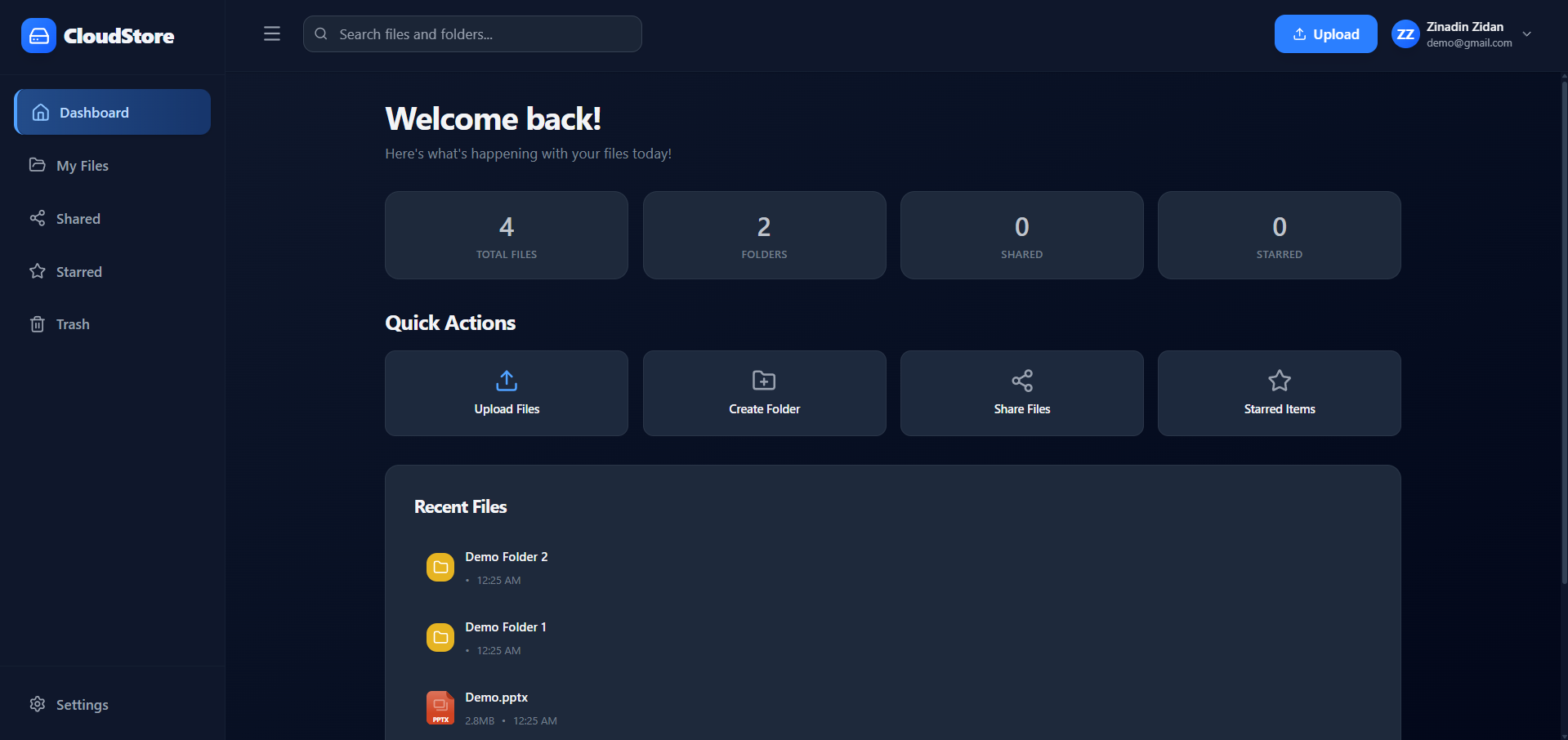 |
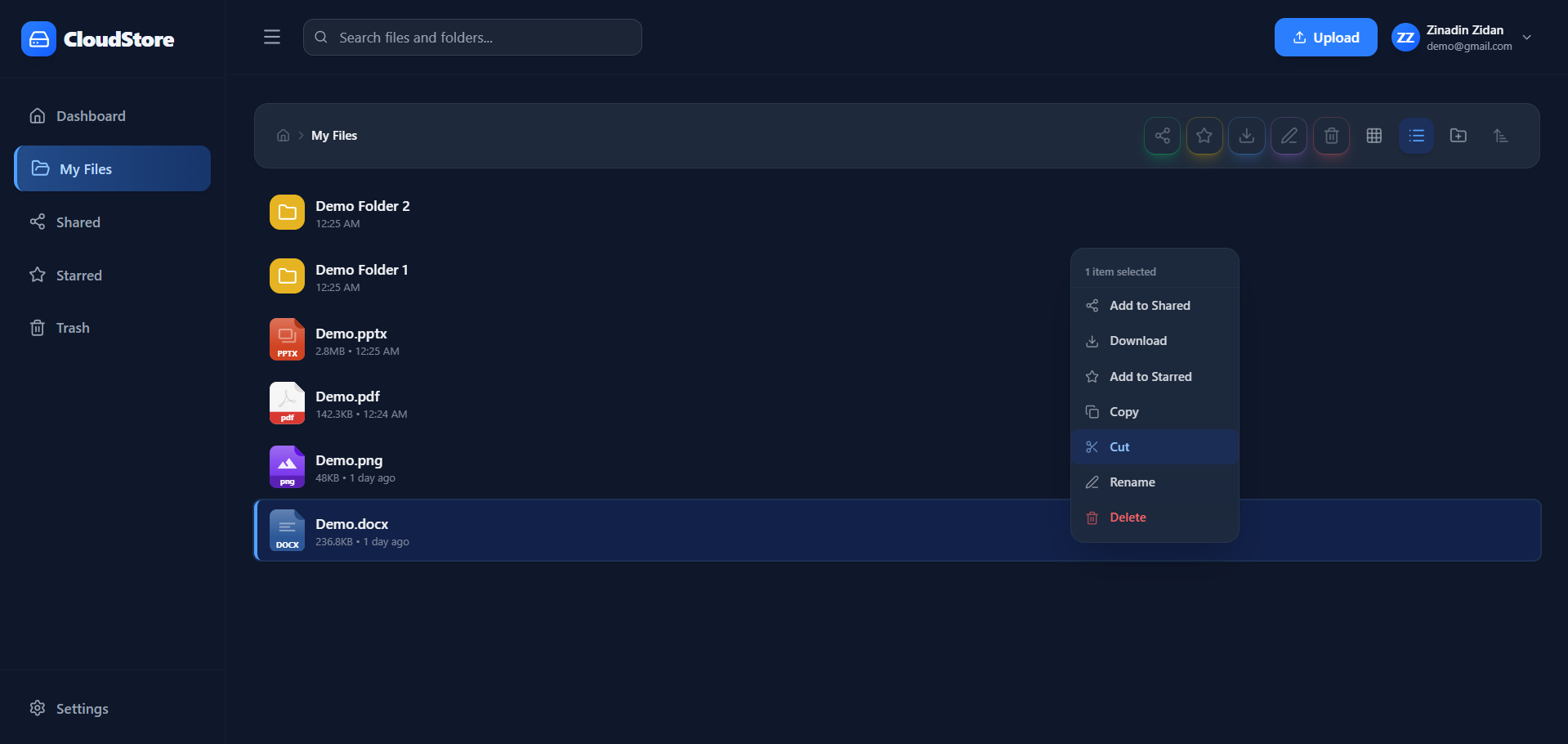 |
Full documentation is available in the Documentation Wiki
Contributions, issues, and feature requests are welcome!
Feel free to open a pull request or create an issue.
This project is released under the MIT License.
- Zinadin Zidan --- Developer & creator